

Navigate to Approvals from the sidebar under Operations.
The approval queue
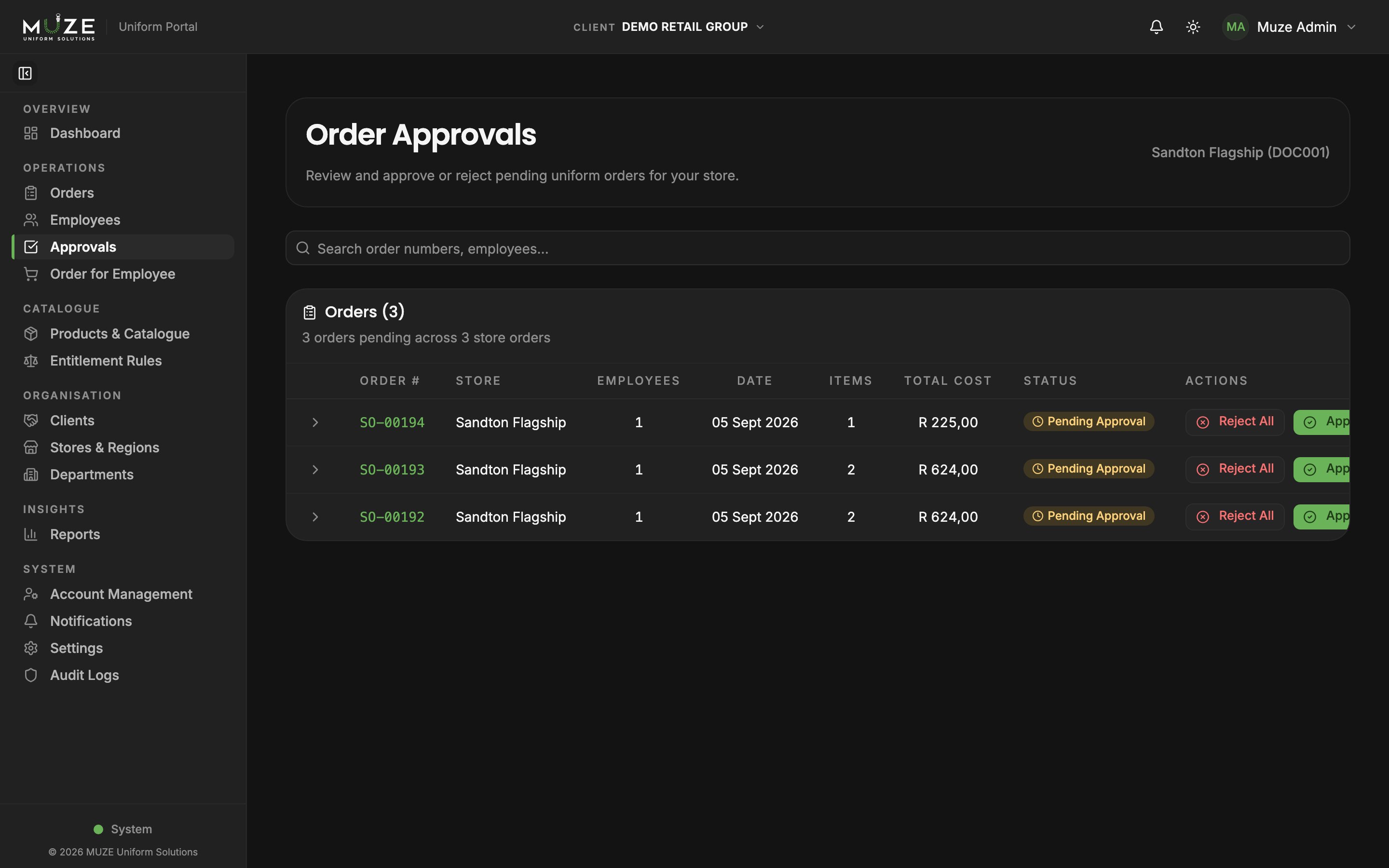
The Approvals page lists every order awaiting approval in your client’s stores: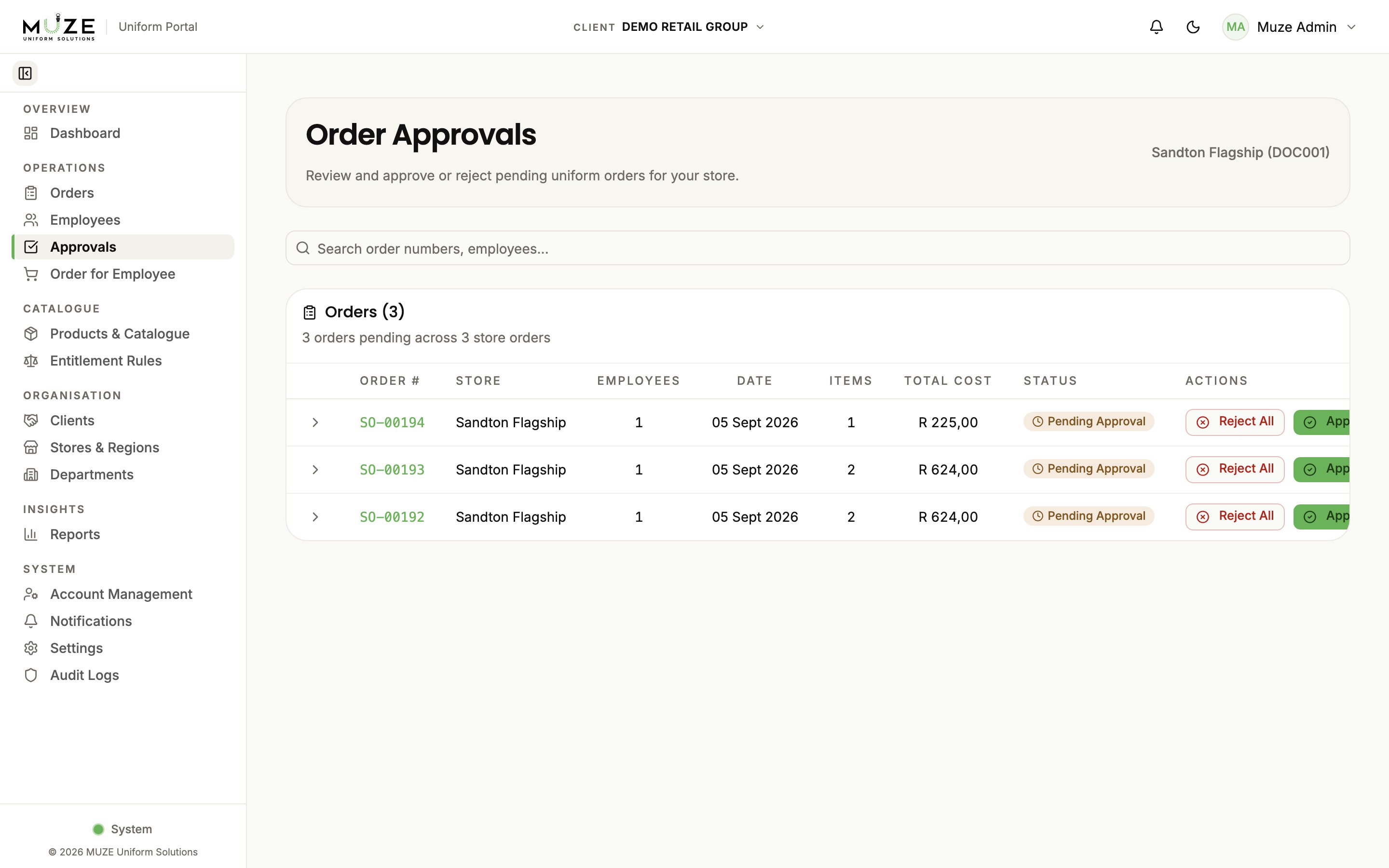
Reviewing an order
- Click the order number to open the detail view.
- Check the line items, quantities, sizes, and prices.
- Check the financial breakdown of company-paid vs employee-paid amounts.
- Check the status timeline for the order’s history.
Approving
Single order:- Open the order detail.
- Click Approve; the order moves to Approved and enters the production pipeline.
- Find the
SO-#####batch in the approvals list. - Click Bulk Approve; every order in the batch is approved at once.
Rejecting
Single order:- Open the order detail.
- Click Reject.
- Enter a rejection reason (required) and confirm.
- Find the
SO-#####batch. - Click Bulk Reject, enter the reason, and confirm.
Editing orders before approval
While an order is still Pending Approval you can edit its items:- Open the order detail.
- Click Edit Items.
- Modify quantities or sizes, or remove items, and save.
Orders can only be edited while pending. Once approved, items cannot be modified.