

Who can place orders
Ordering workflow
1
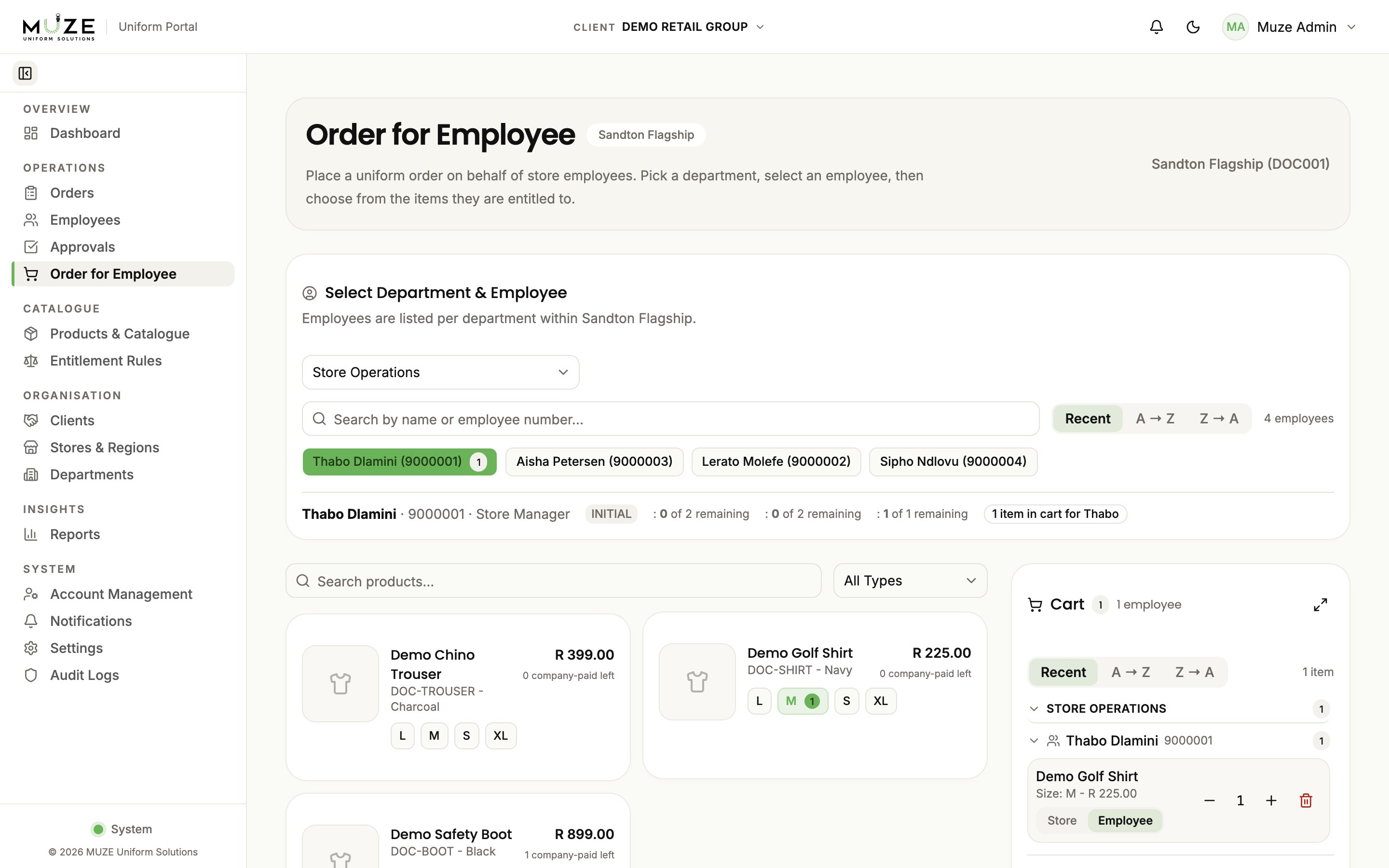
Select employees
Choose the employees who need uniforms. You can select multiple employees in a single session.
2
Choose products
Browse the catalogue. Products are filtered to those the employee is entitled to receive under their rule set.
3
Select sizes and quantities
For each product, choose the size (pre-filled from the employee’s sizing profile when set) and the quantity.
4
Review the cart
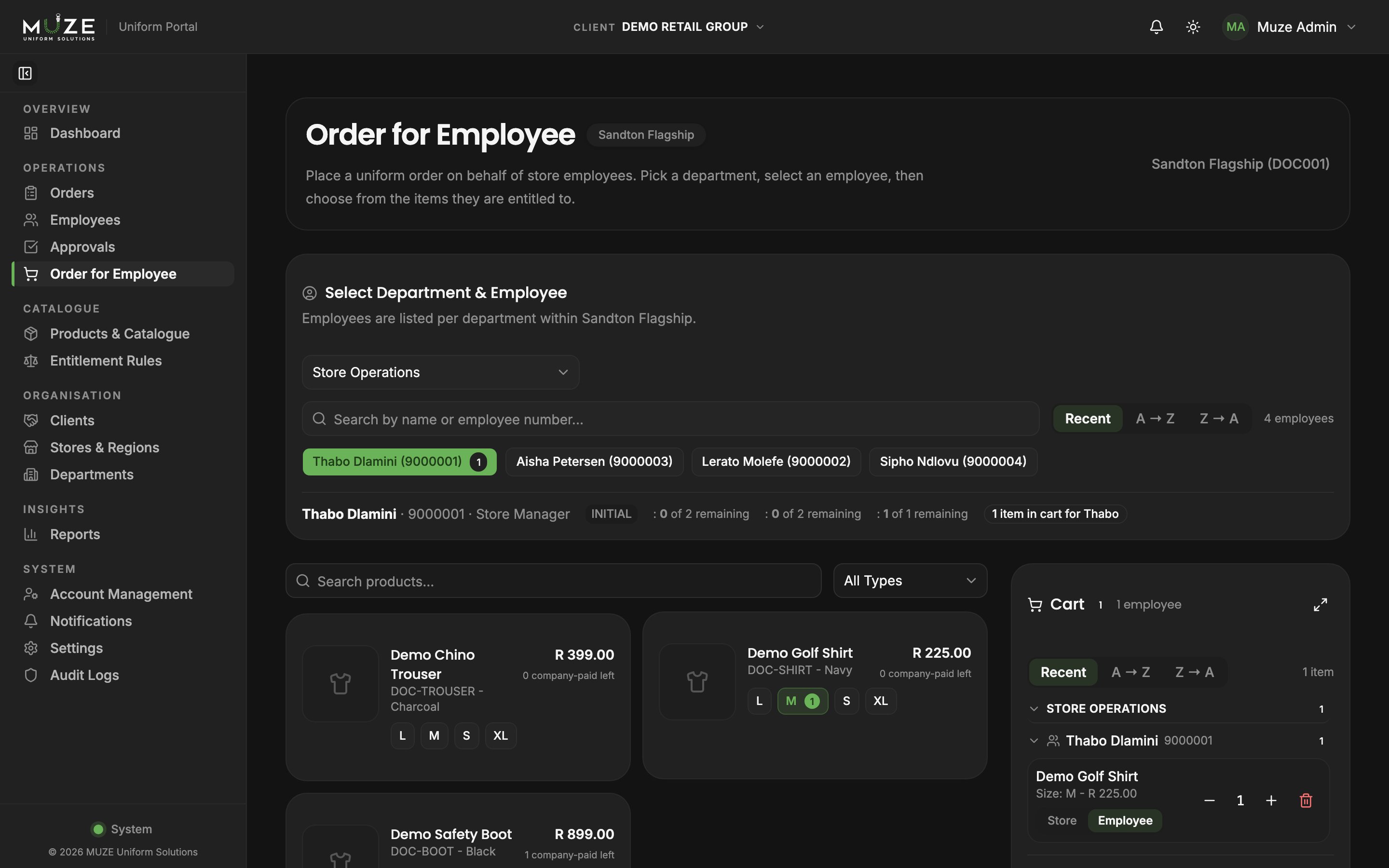
The cart groups items by employee and department and shows the cost breakdown: company-paid items within the remaining allocation, employee-paid items beyond it.
5
Submit
Submit the order. If the matched rule set requires approval, it enters Pending Approval; otherwise it goes straight to Submitted.
Entitlement balances
Each product card shows the employee’s remaining allocation:- Allowed: total quantity the employee is entitled to
- Consumed: quantity already ordered in the current cycle
- Remaining: available for this order
Cart behaviour
- The cart persists in your browser session, so you can navigate away and come back
- You can add items for multiple employees before submitting
- Items can be edited or removed at any time
- If a submission partially fails, failed employees remain in the cart for correction
What happens at submission
At submission time the system:- Locks the employee’s record to prevent concurrent changes
- Re-validates every entitlement balance
- Calculates the company-paid and employee-paid split
- Commits the order and its entitlement consumption in one transaction