

Navigate to Data Import Hub from the sidebar under System.
Available imports
Employee CSV import is not on the Import Hub. It lives on the Employees page because HR holds that permission too.
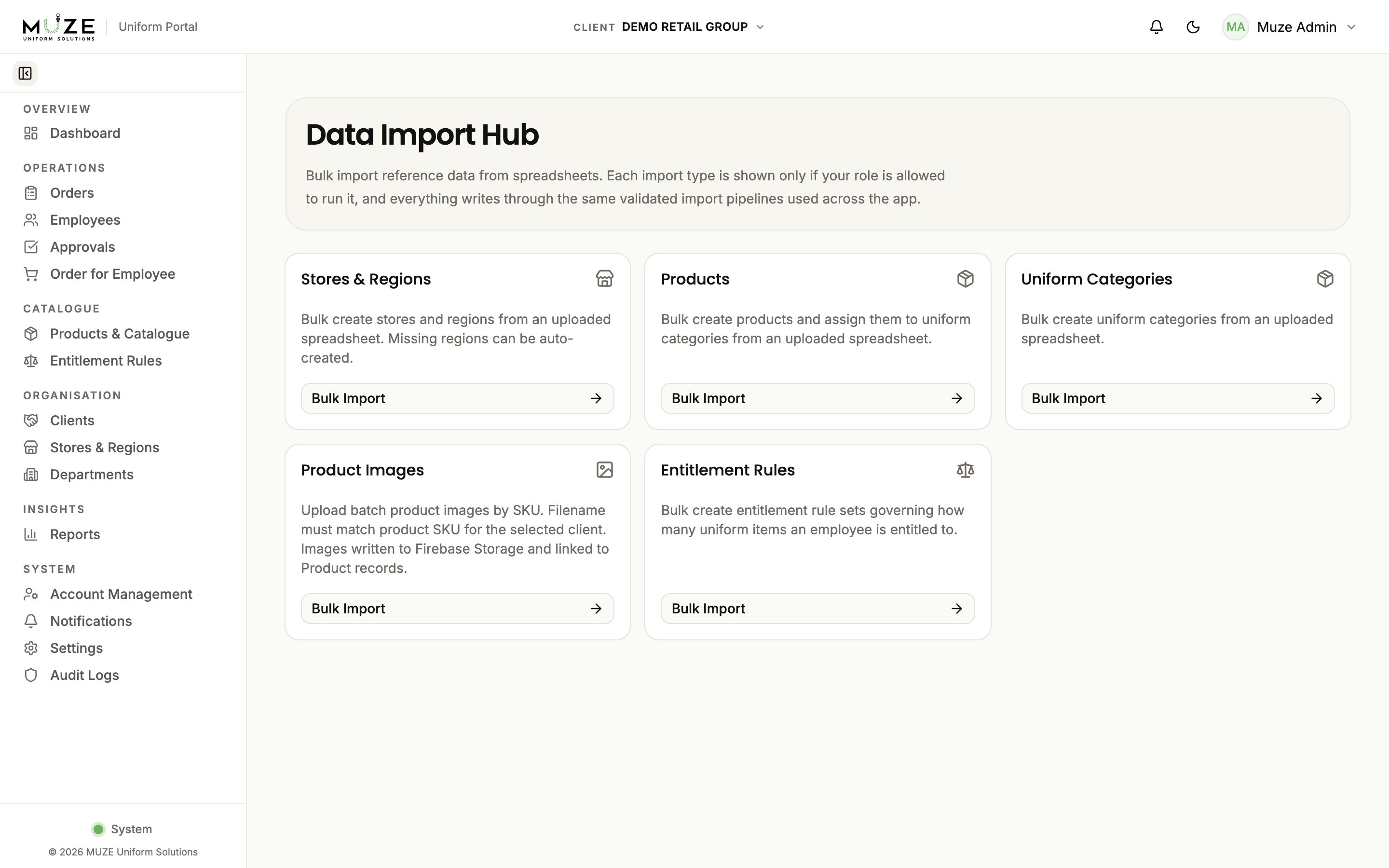
Import process
Every import follows the same flow:1
Select the import type
Click the relevant card.
2
Upload your file
Upload a CSV or XLSX file. Headers and data are validated.
3
Review the preview
The dialog shows the data to be imported with validation status per row.
4
Execute the import
Click Import. The system returns a batch report with success and error counts.
Import formats
Stores and regions
Existing stores (matched by Store No.) are updated; new stores are created.
Products
CSV with SKU, type, name, colour, price (in cents), and sizes. Products are assigned to uniform categories during the import.Uniform categories
CSV with category names and descriptions.Product images
Image files named to match the product SKU (for exampleSHIRT-001.jpg). Each file is matched to its product by SKU and linked.
Entitlement rules
CSV with client and rule set names, effective dates, approval and cycle settings, and one row per allocation item.Import tracking
Every import is recorded as an Import Batch with:- File name and import type
- Total, success, and error row counts
- Per-row error details
- Who initiated the import